By Sandline
Challenge Overview
In this challenge, your objective is to identify and inspect a G-code 3d-printing file to reveal the flag.
Objective
Identify the file as a G-code file and vizualize the 3d tool path with existing software or custom code to reveal the flag letters.
Tools Required
An existing G-code viewer like “Prusa G-code Viewer” or a custom script to visualize the 3d path is required.
Steps to Solve
- Identify the file as a binary G-code file. Although it does not have a
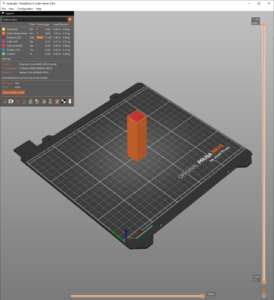
.bgcodeextension, theGCDEmagic bytes at the beginning of the file reveal its format. - Locate software (such as Prusa G-code Viewer) that can open the file, or write a script to parse the file (Image 1)
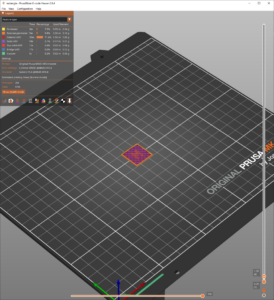
- View the 3d tool path layer by layer: note the flag letters embedded in the 3d object (Image 2)

- Navigate through the layers to reveal the flag.
Flag: MetaCTF{sl1c3d_and_d1c3d}